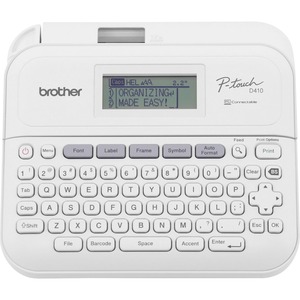
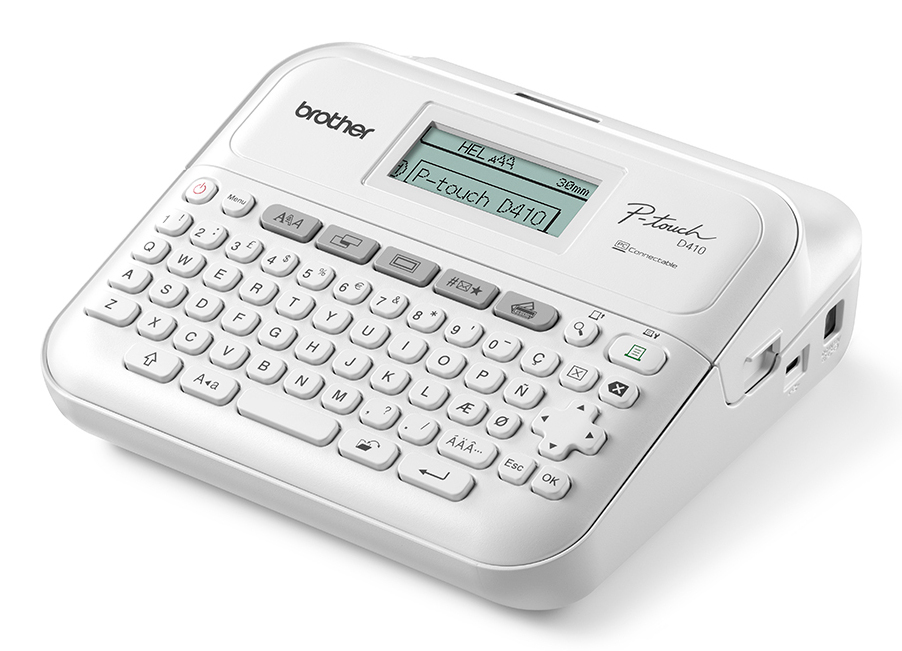
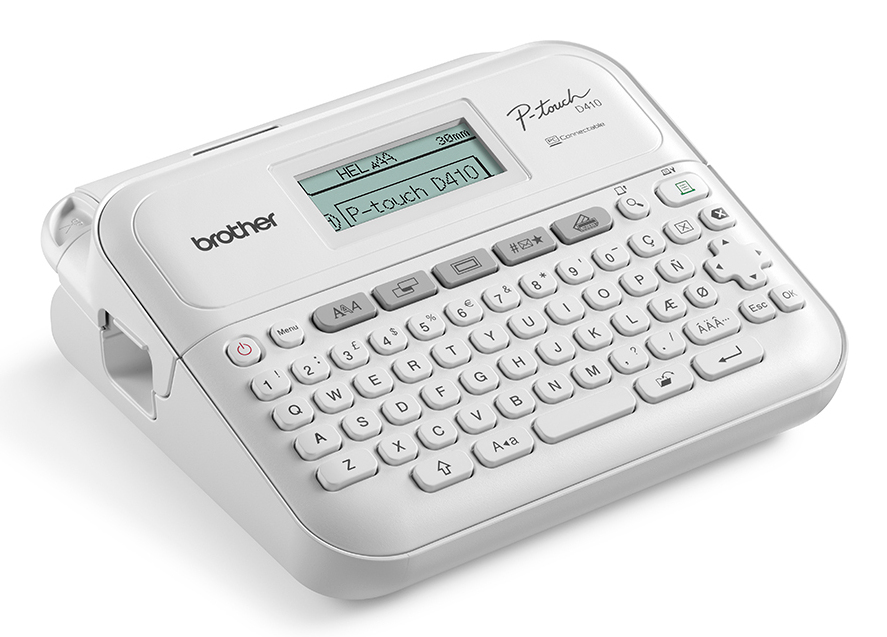
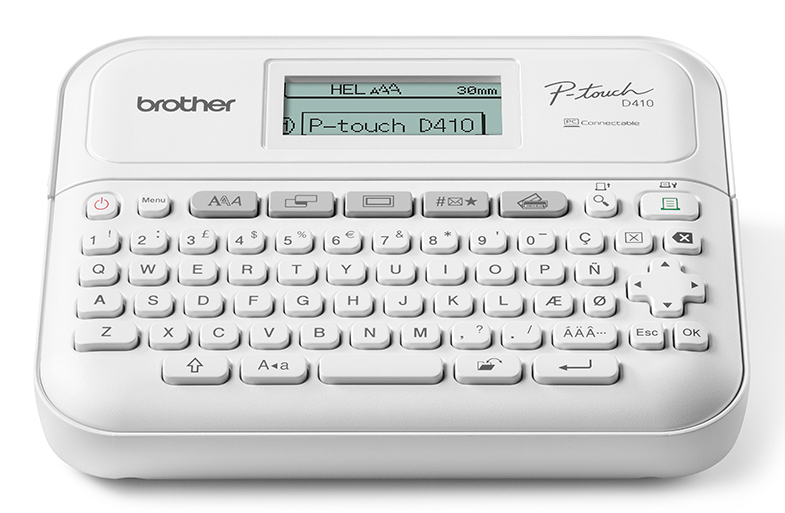
P-touch P-Touch PT-D410AD Label Printer Gray
- Large graphical display to preview labels before printing
- QWERTY keyboard for easy typing
- Connect to a PC via USB for additional labelling functionality
- Built-in editable label designs for common labelling applications
- Print speeds up to 20mm/sec
- Prints 3.5, 6, 9, 12, 18mm labels
Product Details
General Information
| Form Factor | Desktop |
| Product Color | Gray |
| Print Method | Thermal Transfer |
| Media Type | Tape |
| Print technology | Thermal transfer |
| Colour | No |
| Maximum resolution | 180 x 180 DPI |
| Print speed | 20 mm/sec |
| Maximum printing width | 1.8 cm |
| Maximum print height | 1.58 cm |
| Connectivity technology | Wired |
| Ethernet LAN | No |
| Wi-Fi | No |
| USB port | Yes |
| Internal memory | 30 MB |
| Tape type | TZe |
| Tape cutting | Manual |
| Product colour | White |
| Display | LCD |
| Built-in display | Yes |
| Colour display | No |
| Control type | Buttons |
| Keyboard layout | QWERTY |
| Battery type | AA |
| Number of batteries supported | 6 |
| Width | 188 mm |
| Depth | 177.8 mm |
| Height | 71.1 mm |
| Weight | 757 g |
| Pallet gross height | 17.8 cm |
| Pallet gross weight | 252 kg |
| Master (outer) cases per pallet | 50 pc(s) |
| Master (outer) cases per pallet layer | 10 pc(s) |
| Layers per pallet | 5 pc(s) |
| Products per pallet | 150 pc(s) |
| Pallet type | 800 x 1200 mm |
Product Information
| Brand | Brother |
| Type | Label Machine & Accessories |
Description
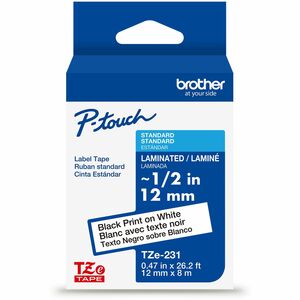
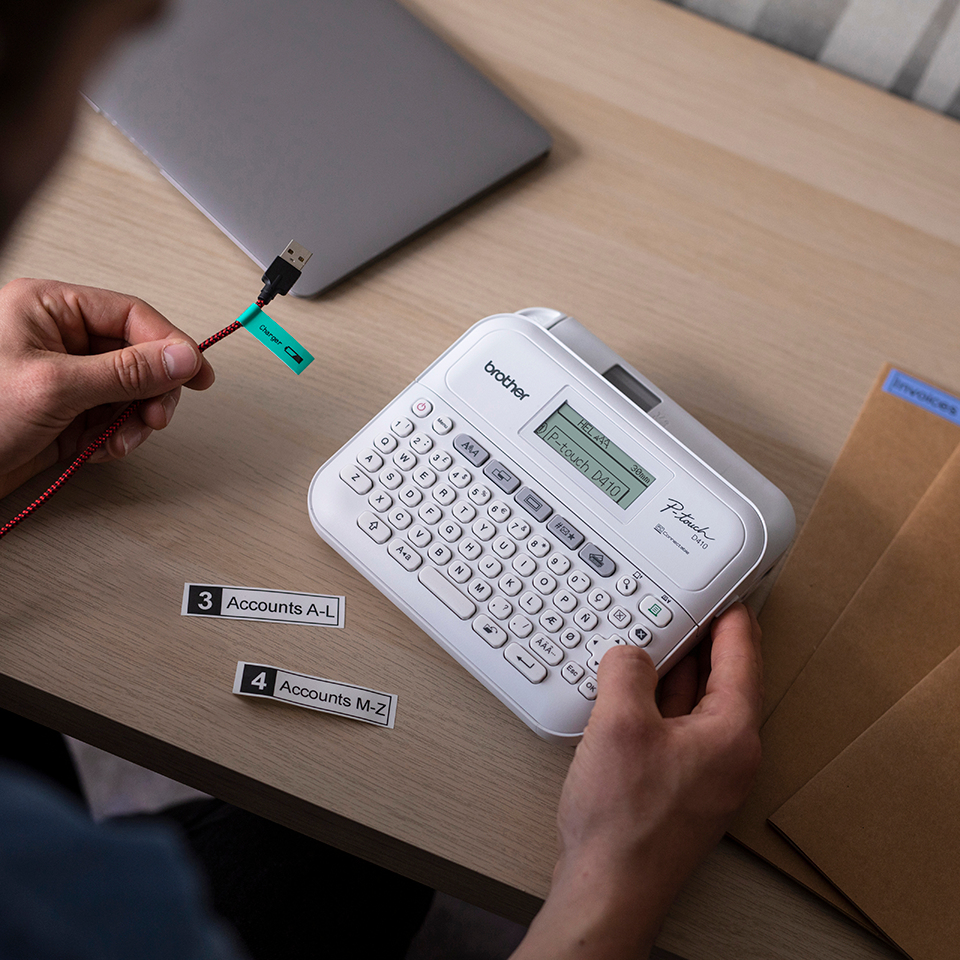
Transform your home office with a professional label printer from Brother. The PT-D410 model offers a compact, easy-to-use label printer which prints crisp, laminated labels to help personalise your important files and folders, identify home office equipment and cables and organise your storage boxes. Prints labels up to 18mm in width and compatible with Brother's durable TZe tapes which provide resistance to water, abrasion, chemicals and temperature extremes, so you can be sure your labels will last over time. Supplied as standard, you can create custom labels by adding your own logos, symbols and barcodes using Brother’s own label design software solution - P-touch Editor. Just simply connect your label printer to your PC using the printer's USB connectivity.