‹ Prev Next ›

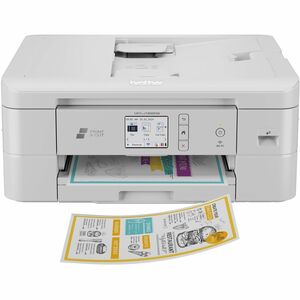
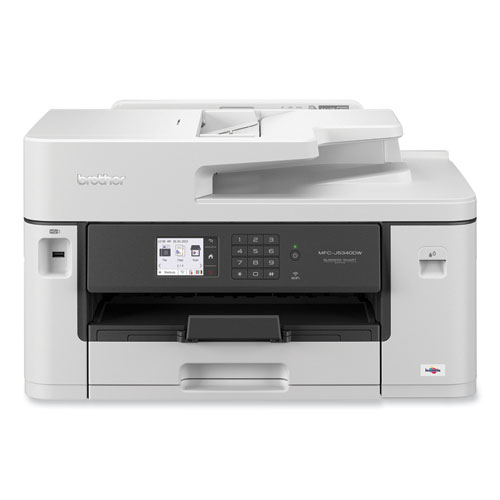
PRINTER,BUS,AIO,IJ,COLOR

Product Code: SKU-5430797
Product Unit: Each
Non-Returnable

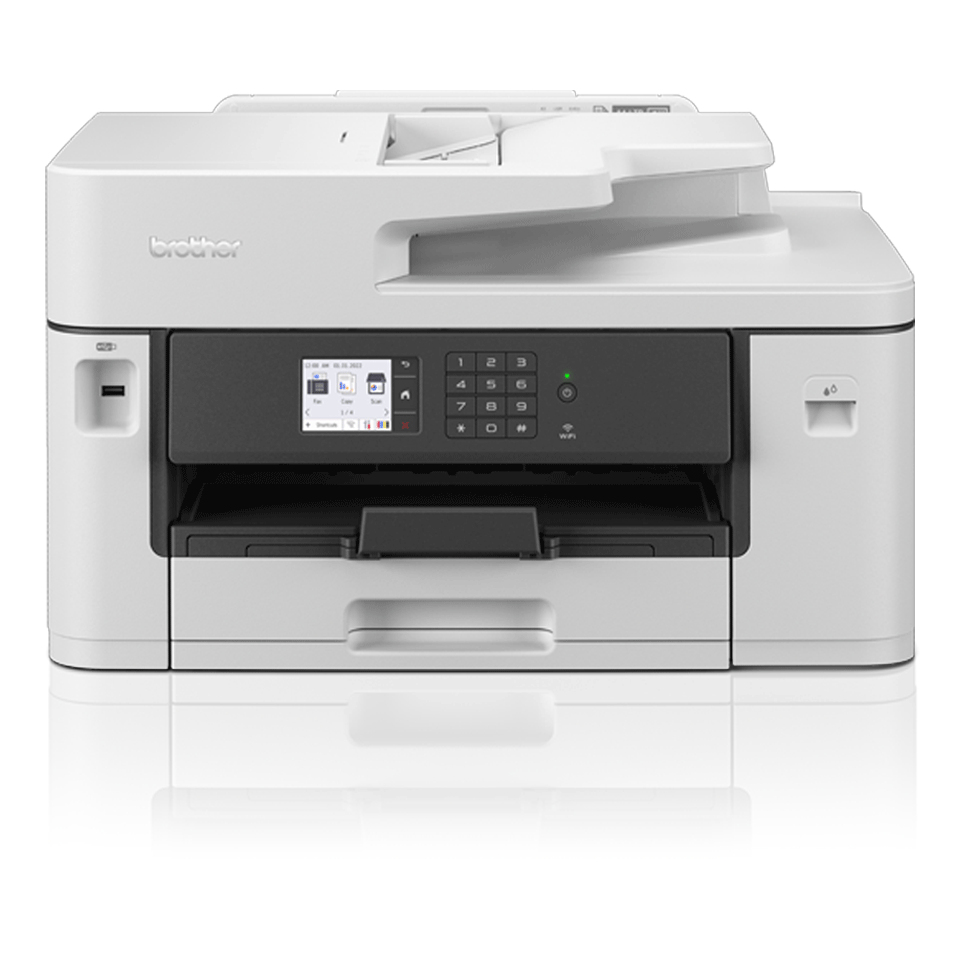
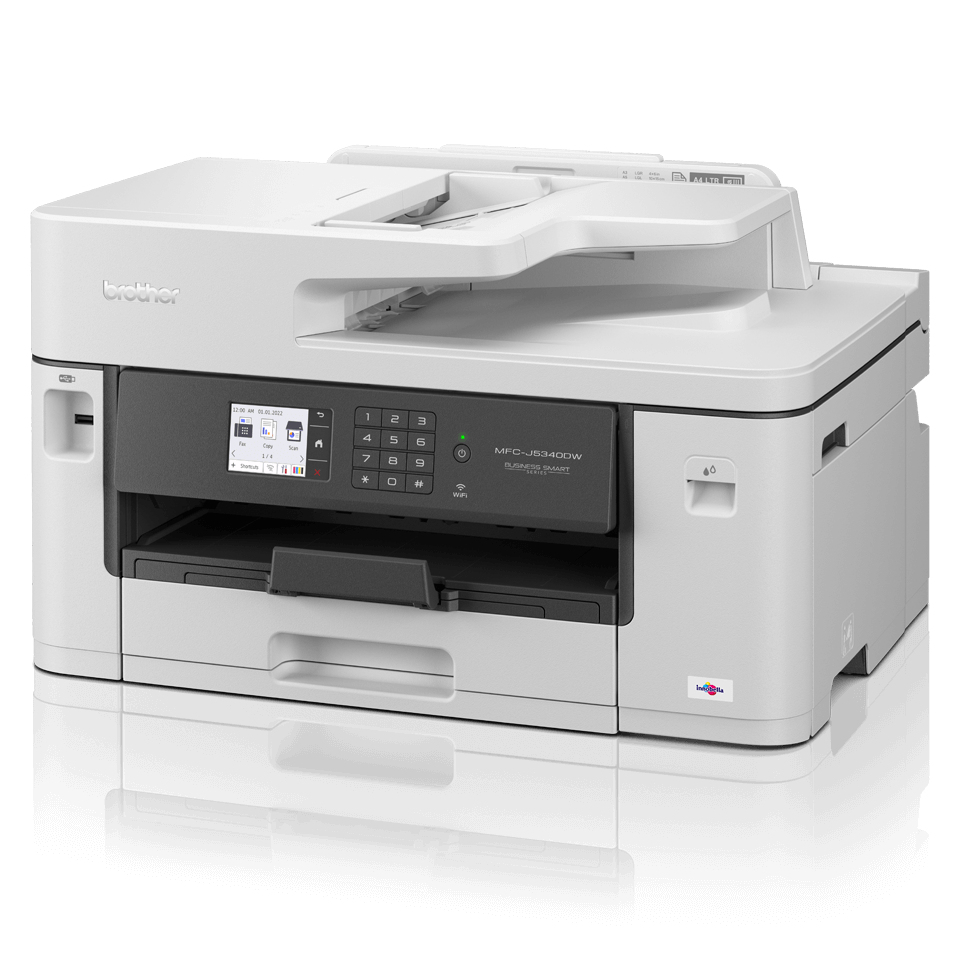
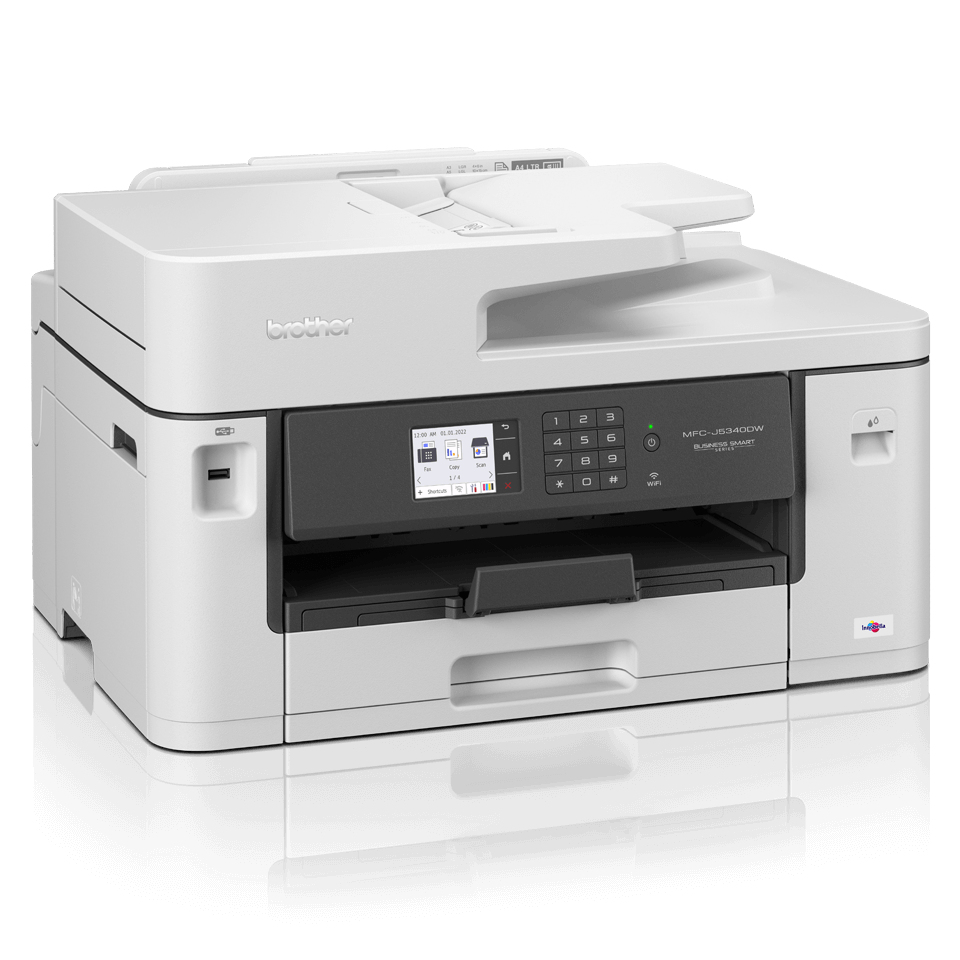
  • Print (up to A3), copy, scan & fax functionality
  • Print speeds of up to 28 ipm mono & colour (Based on ISO/IEC 24734)
  • Automatic A4 2-sided print
  • Wired and wireless connectivity / Mobile compatible – download app: Brother Mobile Connect
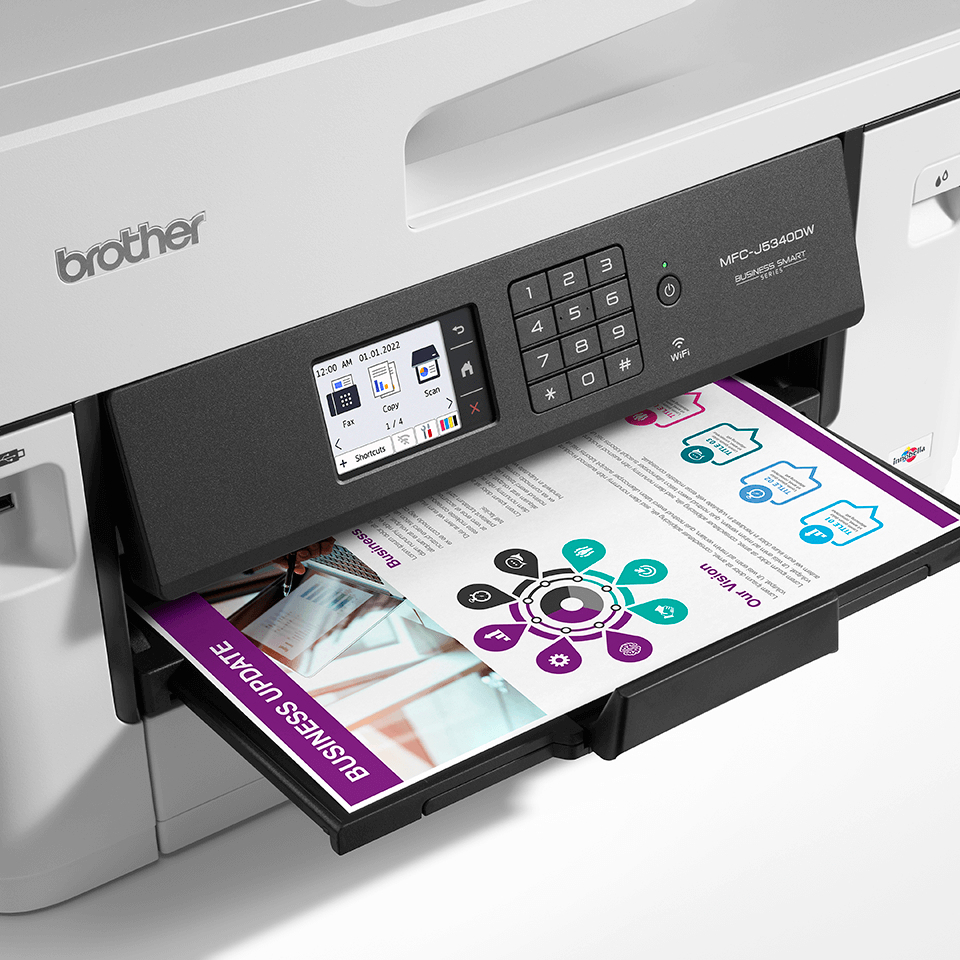
  • 6.8cm colour LCD touch screen
  • 250 sheet paper capacity / 50 sheet ADF / manual feed slot
  • StockCode: BRTMFCJ5340DW

Product Details

General Information

Form Factor Desktop
Display Screen Type LCD
Copy Color Color
Copier Type Flatbed
Maximum Print Resolution (dpi) 1200 x 4800
Multifunction Devices Copier/Fax/Printer/Scanner
Optical Resolution (dpi) 1200
Power Source AC Supply
Print Color Capability Color
USB Yes
Wireless Print Technology Wi-Fi Direct
Standard Input Media Capacity 251 sheets
Scanner Type Flatbed
Scan Color Color
Print technology Inkjet
Printing Colour printing
Duplex printing Yes
Maximum resolution 1200 x 4800 DPI
Duplex printing mode Auto
Print speed (ISO/IEC 24734) mono 28 ipm
Print speed (ISO/IEC 24734) colour 28 ipm
N-in-1 print function Yes
N-up printing 2, 4, 9
Watermark printing Yes
Booklet printing function Yes
Poster printing function Yes
ID printing function Yes
Copying Colour copying
Maximum copy resolution 600 x 600 DPI
Time to first copy (black, normal) 5 s
Time to first copy (colour, normal) 6 s
Maximum number of copies 999 copies
Copier resize 25 - 400%
N-in-1 copy function Yes
N-in-1 copy function (N=) 2, 4
ID-card copy function Yes
Scanning Colour scanning
Duplex scanning No
Optical scanning resolution 600 x 600 DPI
Scanner type Flatbed & ADF scanner
Optical scanning resolution (ADF) 600 x 600 DPI
Maximum scan resolution 1200 x 2400 DPI
Maximum scan area 215.9 x 297 mm
Scan technology CIS
Scan to E-mail, FTP, File, Image, Network folder, OCR
Input colour depth 48 bit
Output colour depth 24 bit
Input greyscale depth 16 bit
Output greyscale depth 8 bit
Scan drivers SANE, TWAIN, WIA
Faxing Colour faxing
Modem speed 14.4 Kbit/s
Fax memory 150 pages
Auto reduction Yes
Error Correction Mode (ECM) Yes
Maximum duty cycle 2500 pages per month
Duplex functions Print
Number of print cartridges 4

Product Information

Brand Brother
Type Multifunctional Devices

Description

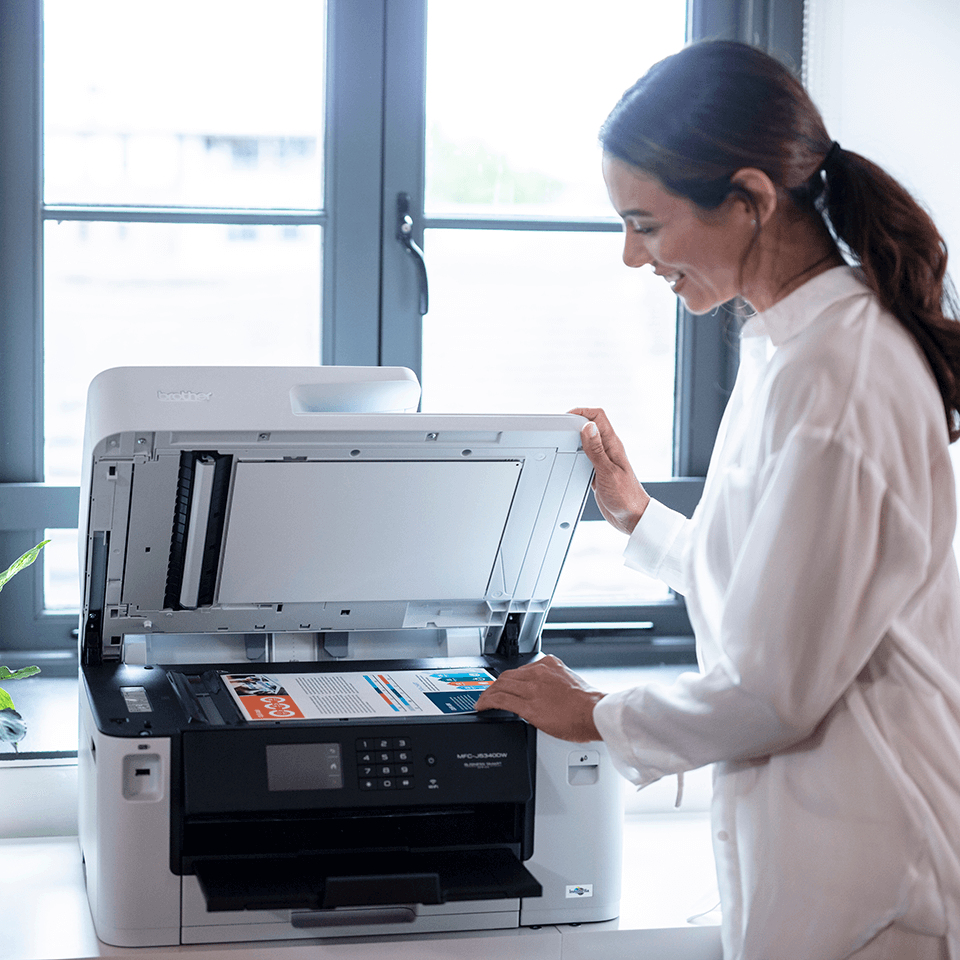
The professional A3 MFC-J5340DW all-in-one printer is built to last, meeting the needs of demanding small offices and business workgroups. A3 capability enables you to produce a variety of A3, as well as A4 colour documents, without any hassle, while experiencing high quality prints, fast print speeds and low running costs. This multifunction device offers print, copy, scan and fax functionality. Print from your workstation, in a meeting room, or from your mobile device with wireless connectivity. Built to last You need a device you can rely on. These A3 professional multifunction devices have been engineered into robust business devices, delivering fast, secure and professional quality to suit the growing needs of your business. Increase your print speed, with the new Brother MAXIDRIVE print technology The newly developed high power print head enables a dramatical improvement in print speed, saving you time when printing your business documents. Not only is speed improved, but this new print head is highly durable and produces extremely high print quality, delivering professional results to your outputs. Print bigger Make your documents more memorable by printing them in A3 Size. With full colour A3 print capabilities, your important training materials or presentation documents will stand out and may be easier to digest helping you obtain more interest from the reader. By printing A3 documents in house you have more control over your deadlines and can expland your opportunities. Scanning technology to improve work flow, even when working remotely As a multifunction device the MFC-J5340DW can do so much more than print. The scanning opportunities available for example can significantly enhance your productivity from home. You can scan in colour or mono at high speeds to several destinations to boost workflow: Image File OCR Email Work connected, always You don’t just need to be sat at your desk, or even near the printer to use the MFC-J5340DW. With the range of connectivity options available, you can print anywhere in your office / home – and even from your mobile phone through wireless connectivity. By downloading the Brother Mobile Connect app you can access an array of features – from sending print jobs, to checking your ink levels and ordering replenishments when necessary

From the Manufacturer

Also Consider

Alternative Products

Additional Documentation

mmo_120569674_1718891173_8839_1548.pdf
mmo_120569674_1718893555_0623_29972.pdf

Reviews

0 out of Five Stars 0/5 | 0 Reviews Login to Review this Product

No Reviews